Free for individual non-commercial use.
SecurityBox
Self-hosted secrets for development teams and growing businesses.
SecurityBox helps individual developers, development and IT teams, MSPs, and small to medium-sized businesses share project passwords, API keys, and other secrets with permission-controlled access.
Pricing
Choose the plan for how you use SecurityBox.
Commercial use is USD $99 per registered domain, per year.
Get commercial licenceGet secure, direct access to the AI Gateway with flexible token limits, a private API key, and OpenAI-compatible endpoints.
Get AI Plan
Access
Available from Docker Hub.
Access and download SecurityBox from Docker Hub at ssiroos/securitybox.
Features
Password manager and KMS workflows in one workspace.
Project password and secret sharing
Share project credentials and sensitive entries with the right team members instead of passing secrets through chat or documents.
Key management system workflows
Manage keys and secrets as part of the same operational workspace used for project access.
User, company, and project management
Organize access around people, companies, customers, and project boundaries.
Role-based and permission-controlled access
Control who can view, manage, and share sensitive entries through role-based and permission-aware workflows.
Target users
Built for teams that handle shared infrastructure secrets.
Small companies
Manage project passwords, secrets, and access permissions in a self-hosted workspace.
Medium size companies
Manage project passwords, secrets, and access permissions in a self-hosted workspace.
Software teams
Manage project passwords, secrets, and access permissions in a self-hosted workspace.
IT departments
Manage project passwords, secrets, and access permissions in a self-hosted workspace.
DevOps teams
Manage project passwords, secrets, and access permissions in a self-hosted workspace.
MSPs
Manage project passwords, secrets, and access permissions in a self-hosted workspace.
Infrastructure engineers
Manage project passwords, secrets, and access permissions in a self-hosted workspace.
Articles
Open blog
Latest SecurityBox articles.
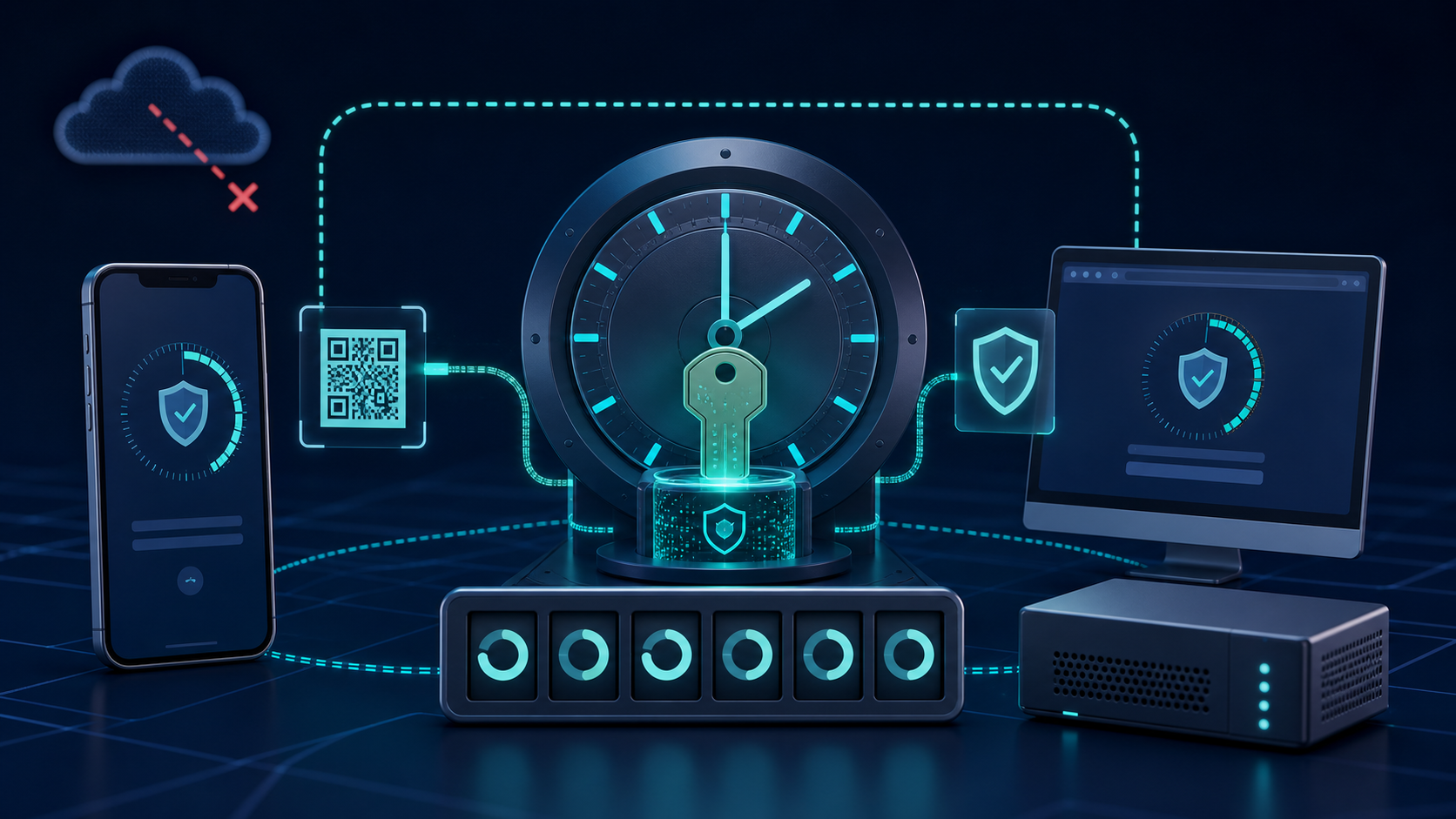
How Authenticator Apps Work Offline: TOTP, Popular Apps and SecurityBox Authenticator
Learn how TOTP authenticator apps generate codes without internet, compare popular options, and explore the new SecurityBox Authenticator feature.
Read article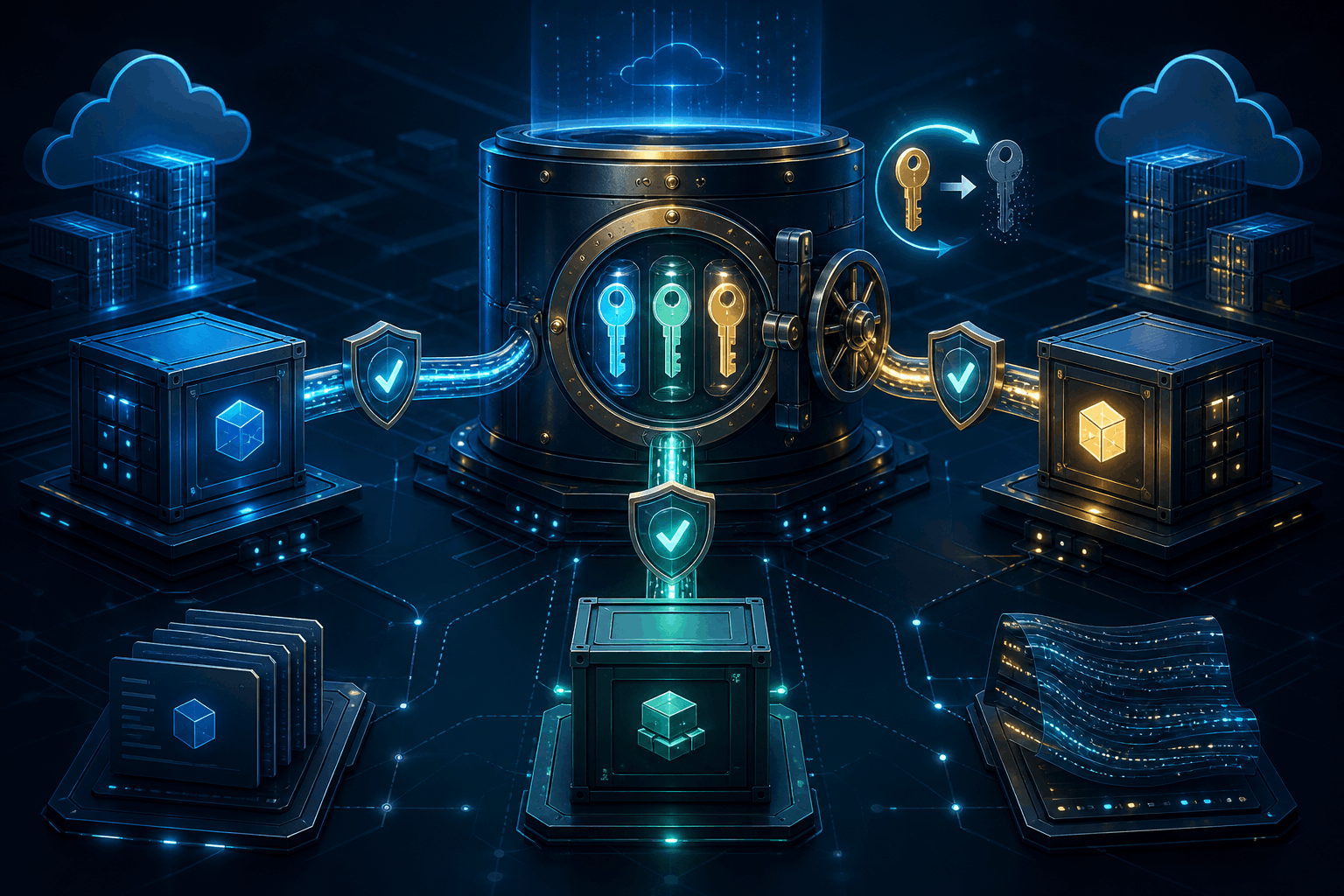
How to Secure Production API Keys with SecurityBox
Learn how to store production API keys in SecurityBox, retrieve them securely at runtime with scoped tokens, rotate them, and prevent secret sprawl.
Read article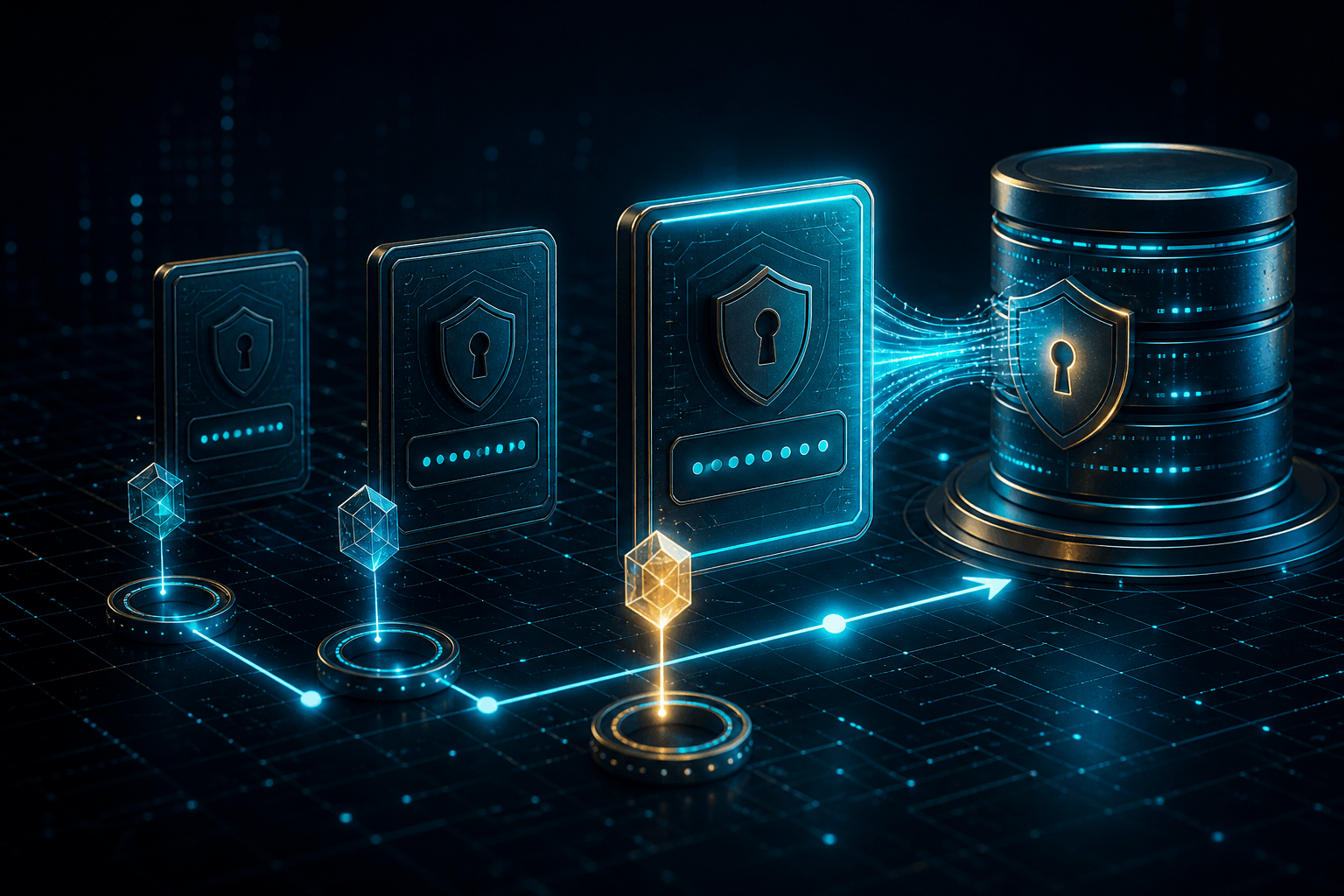
How SecurityBox Encrypts Password History with AES-256-GCM
SecurityBox preserves every password change as a separate AES-256-GCM encrypted version, using fresh salts, nonces, and account-scoped access control.
Read article
Docker
Pull SecurityBox from Docker Hub.
Use the published Docker image as the starting point for deployment and updates.
Docker pull
docker pull ssiroos/securitybox