Project password and secret sharing
Share project credentials and sensitive entries with the right team members instead of passing secrets through chat or documents.
SecurityBox helps teams share project passwords, secrets, and keys with permission control across users, companies, and projects from a Dockerized application.
SecurityBox can be used free by individual users. Commercial and company use must contact PWAApps for a licence.
Free for individual users. Commercial and company use must contact PWAApps for a licence.
Get licenceAccess and download SecurityBox from Docker Hub at ssiroos/securitybox.
Share project credentials and sensitive entries with the right team members instead of passing secrets through chat or documents.
Manage keys and secrets as part of the same operational workspace used for project access.
Organize access around people, companies, customers, and project boundaries.
Control who can view, manage, and share sensitive entries through role-based and permission-aware workflows.
Manage project passwords, secrets, and access permissions in a self-hosted workspace.
Manage project passwords, secrets, and access permissions in a self-hosted workspace.
Manage project passwords, secrets, and access permissions in a self-hosted workspace.
Manage project passwords, secrets, and access permissions in a self-hosted workspace.
Manage project passwords, secrets, and access permissions in a self-hosted workspace.
Manage project passwords, secrets, and access permissions in a self-hosted workspace.
Manage project passwords, secrets, and access permissions in a self-hosted workspace.
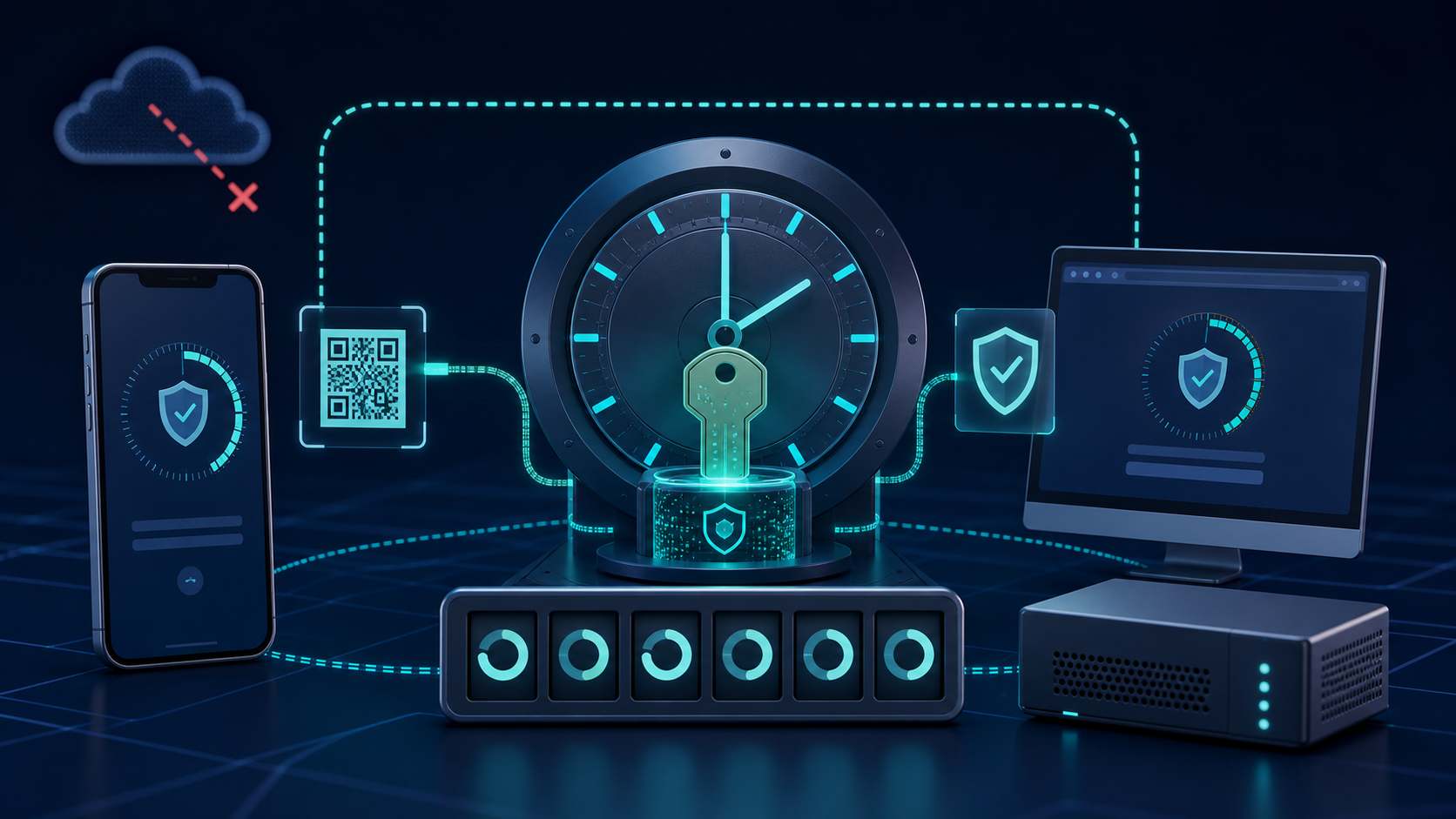
Learn how TOTP authenticator apps generate codes without internet, compare popular options, and explore the new SecurityBox Authenticator feature.
Read article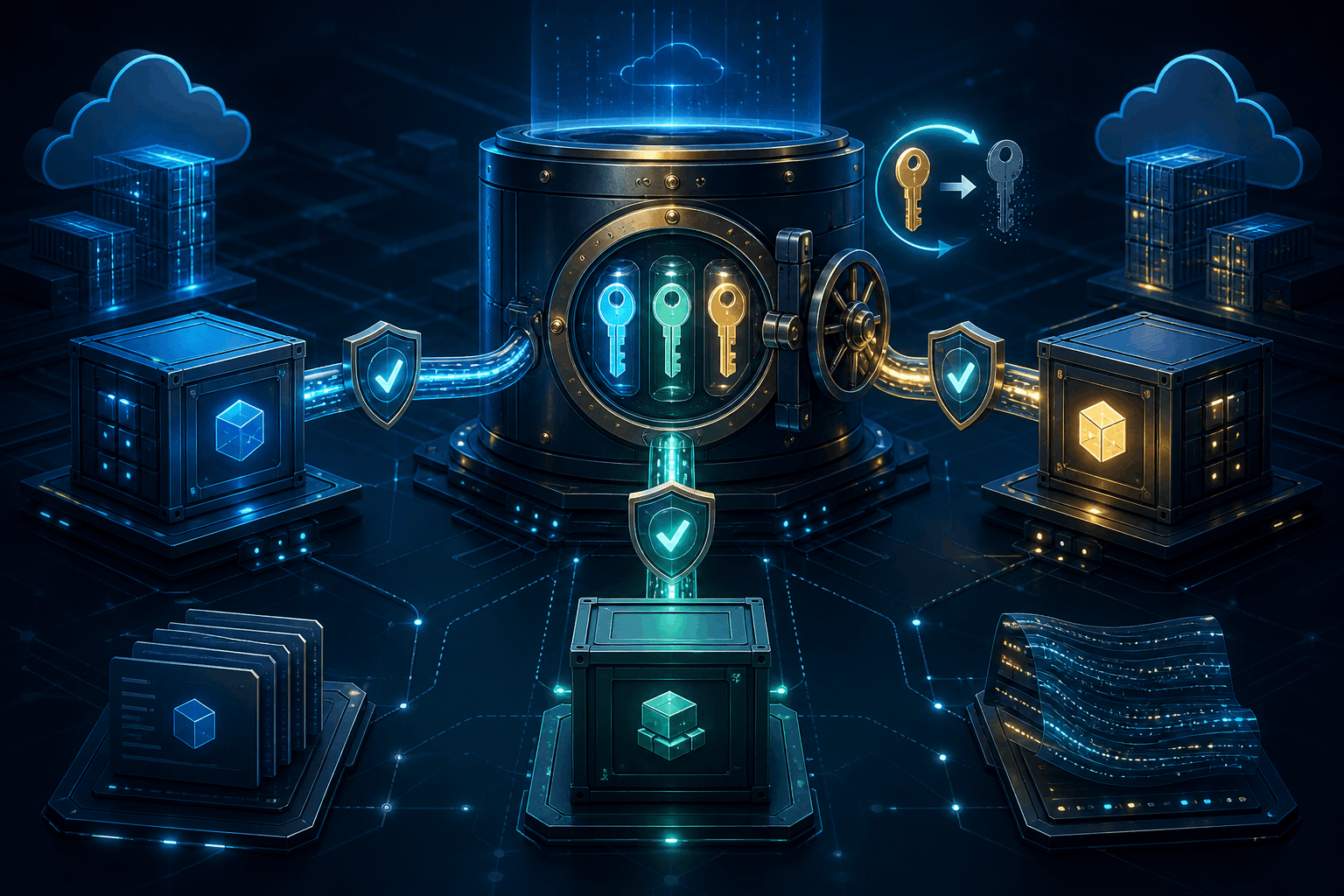
Learn how to store production API keys in SecurityBox, retrieve them securely at runtime with scoped tokens, rotate them, and prevent secret sprawl.
Read article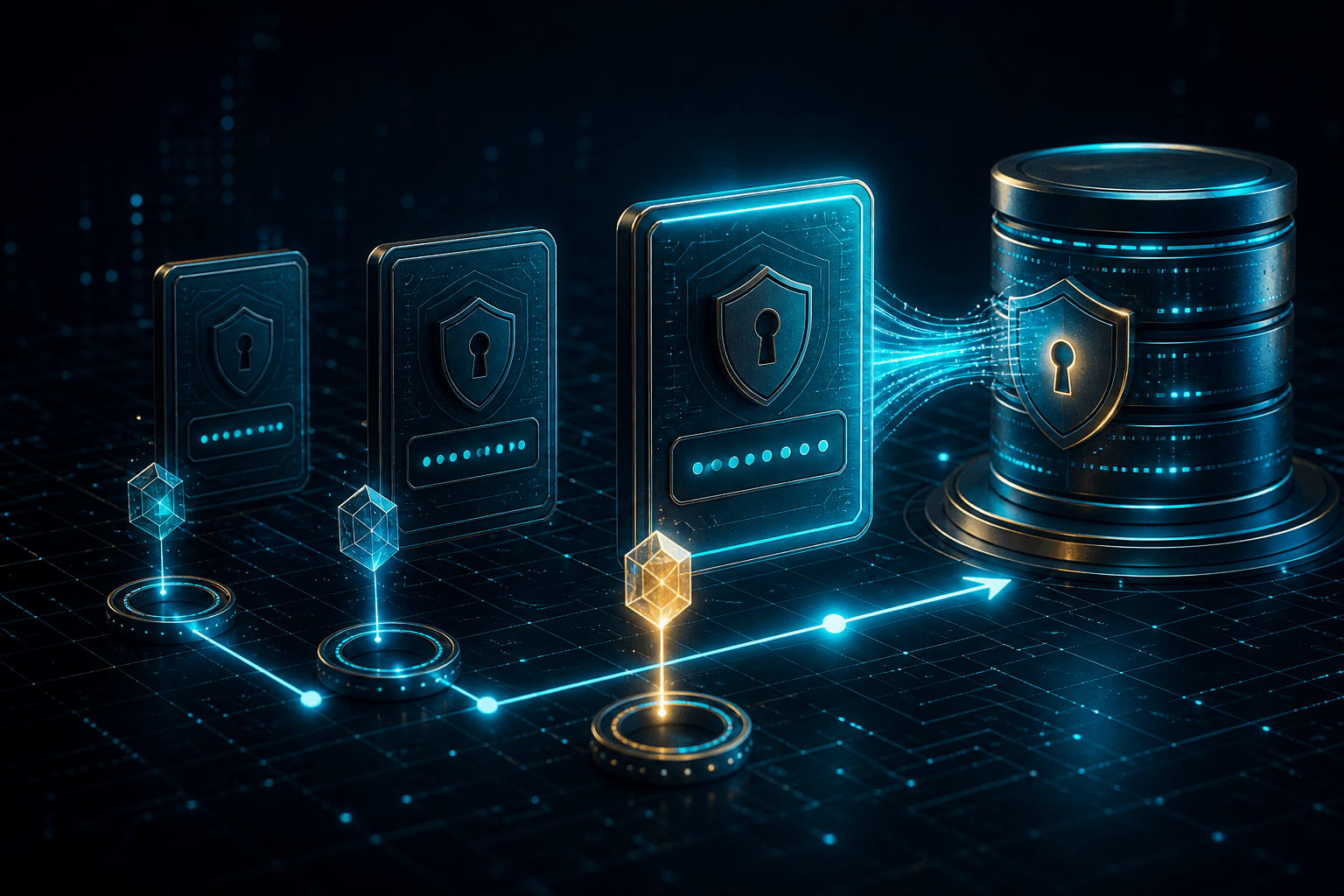
SecurityBox preserves every password change as a separate AES-256-GCM encrypted version, using fresh salts, nonces, and account-scoped access control.
Read articleUse the published Docker image as the starting point for deployment and updates.
docker pull ssiroos/securitybox